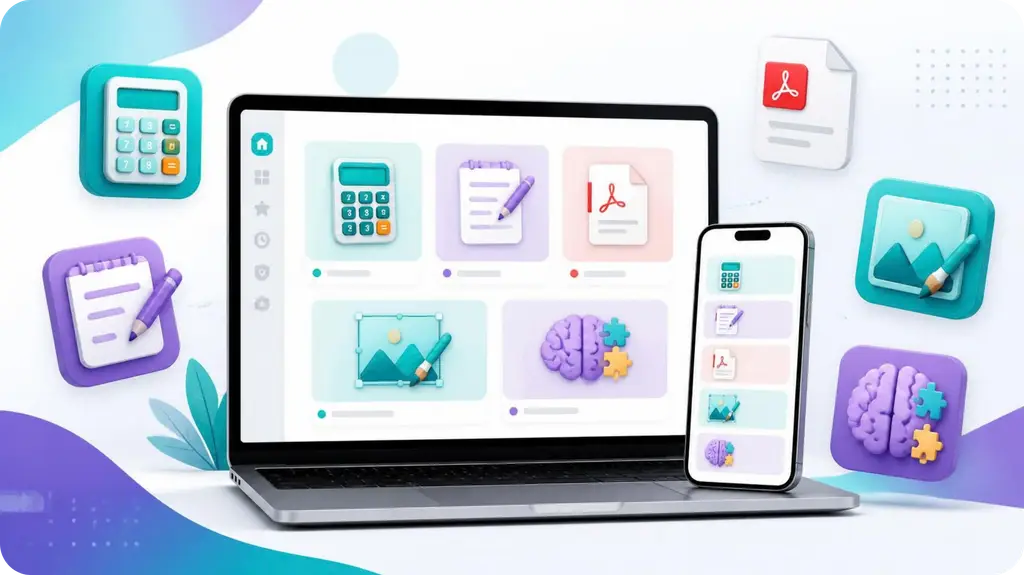
We use the internet for countless small tasks every day. Sometimes you need to calculate a percentage, resize an image, merge PDF files, repeat a piece of text, or simply take a quick memory test.
For many of these tasks, you don’t need to install software or learn complicated programs. A simple online tool can often get the job done in seconds.
At Digiplustal, we’re building a collection of simple, practical, and fun online tools designed for everyday use.
Here are 10 types of free online tools that can make common tasks quicker and easier.
1. Text Repeater
Have you ever needed to repeat the same word, phrase, or sentence many times?
A text repeater can do this automatically.
Instead of copying and pasting the same text repeatedly, you can enter your text, choose how many times you want it repeated, and generate the result instantly.
When can a text repeater be useful?
- Testing text fields
- Creating sample content
- Repeating symbols or characters
- Preparing practice material
- Testing websites and forms
- Creating simple patterns
For large repetitions, an online tool can save considerable time.
Try it: Use the Digiplustal Text Tools to repeat text quickly without installing software.
2. Percentage Calculator
Percentages appear everywhere — shopping discounts, grades, statistics, budgets, tips, and everyday calculations.
But calculating percentages manually isn’t always convenient.
A percentage calculator can help you quickly answer questions such as:
- What is 20% of 150?
- What percentage is 25 out of 100?
- How much is a 15% discount?
- What is the percentage increase between two numbers?
For simple calculations, an online percentage calculator can provide an answer without requiring you to remember formulas.
3. Age Calculator
An age calculator is useful when you want to calculate someone’s age based on their date of birth.
Depending on the calculator, the result can be shown in:
- Years
- Months
- Days
Some calculators can also calculate the total number of days between two dates.
This can be useful for birthdays, forms, planning, personal records, and many other everyday situations.
4. PDF Tools
PDF files are everywhere — school documents, forms, receipts, reports, applications, and business documents.
Sometimes you need to make a quick change to a PDF without opening a large desktop application.
Online PDF tools can help with tasks such as:
- Merging PDF files
- Splitting PDFs
- Converting files
- Extracting pages
- Organizing documents
For occasional PDF tasks, a browser-based tool can be much more convenient than installing dedicated software.
Tip: When working with sensitive documents, always check how a particular service handles uploaded files and privacy before using it.
5. Image Tools
Images often need small adjustments before you upload or share them.
For example, you might need to resize an image for a website, reduce its file size, or change its format.
Online image tools can make these tasks easier.
Common uses include:
- Resizing images
- Compressing images
- Converting image formats
- Cropping images
- Rotating images
These tools can be especially useful when you need to make a quick adjustment from a phone or computer.
6. Random Number Generator
Sometimes you simply need a random number.
A random number generator can be useful for:
- Choosing a number for a game
- Creating test data
- Selecting a random option
- Classroom activities
- Simple experiments
- Making decisions between numbered choices
For example, if you need one number between 1 and 100, an online generator can select one instantly.
It’s a simple tool, but there are many situations where it can save time.
7. Random Choice Tools
Can’t decide between several options?
A random choice tool can select one for you.
For example, you could enter:
- Pizza
- Burgers
- Pasta
- Tacos
The tool can randomly select one option.
This can be useful for games, group activities, classroom exercises, or simply making small everyday decisions more interesting.
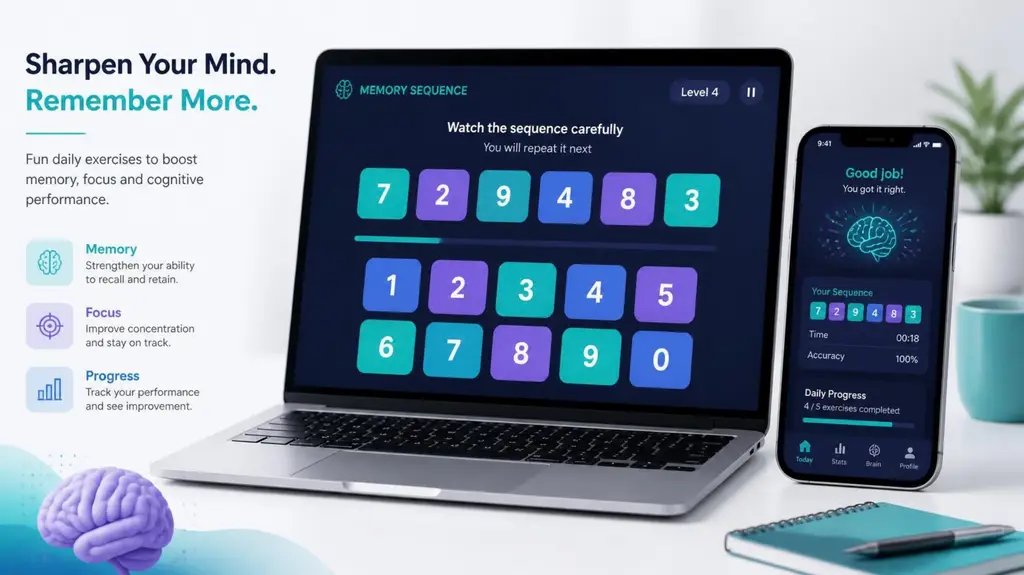
8. Memory Test
Online tools don’t always have to be practical. Some can simply be fun.
A memory test challenges you to remember information and reproduce it correctly.
For example, a number sequence may appear briefly. After it disappears, you try to enter the sequence from memory.
As the rounds progress, the sequences can become longer and more challenging.
Memory games can be a fun way to test yourself, compete with friends, and see whether you can improve your own score over time.
Try it: Visit the Digiplustal Fun Tools section and test your memory.
9. Typing Speed Test
How quickly can you type?
A typing speed test measures how fast you can enter text, commonly using words per minute (WPM).
A typical typing test may also consider accuracy.
Typing tests can be useful for:
- Students
- Writers
- Office workers
- Job applicants
- People learning to type
- Anyone who wants to practice
The goal doesn’t necessarily have to be reaching an extremely high speed. Improving accuracy and becoming more comfortable with a keyboard can also be valuable.
10. Fun Tools
Sometimes you don’t need a tool to solve an important problem. You just want something entertaining.
Fun tools can include:
- Memory tests
- Reaction time tests
- Emoji quizzes
- Random generators
- Decision makers
- Number challenges
- Typing challenges
- Other quick browser games
These tools are particularly convenient because you can start playing immediately without downloading an app.
Why Use Online Tools?
One of the biggest advantages of browser-based tools is convenience.
You can often:
Open → Enter information → Get your result
There’s no software installation, complicated setup, or long learning process.
Online tools can also be useful across different devices. Whether you’re using a phone, tablet, or computer, many browser-based tools work directly from the web.
What Makes a Good Online Tool?
A useful online tool should ideally be:
Simple
You shouldn’t need a technical background to understand how it works.
Fast
For small tasks, you usually want results immediately.
Mobile-friendly
Many people access websites primarily from their phones, so tools should work comfortably on smaller screens.
Easy to understand
Clear labels, buttons, instructions, and results make a tool much easier to use.
Privacy-conscious
Whenever a tool handles files or personal information, users should understand what happens to their data.
Explore Digiplustal Tools
We’re building Digiplustal around a simple idea:
Useful tools shouldn’t have to be complicated.
Our collection is designed to bring practical utilities, calculators, text tools, image tools, PDF tools, productivity tools, and fun tools together in one convenient place.
Whether you need to perform a quick calculation, work with text, handle a document, adjust an image, or simply take a quick brain challenge, there’s a tool for the task.
Explore the Digiplustal tools and find something useful for your next task.
Final Thoughts
You don’t always need a large software application for a small job.
A simple browser-based tool can often handle everyday tasks quickly and conveniently.
From text repetition and percentage calculations to PDF and image utilities, random generators, typing tests, and memory challenges, online tools can save time while keeping things simple.
And that’s exactly what we’re aiming to do with Digiplustal — create a growing collection of simple, useful, and enjoyable tools for everyday life.