
All in One Text Modifier is a free online tool that helps you edit, clean, format, and transform text quickly.
The All in One Text Modifier is useful for students, writers, professionals, and website owners who regularly work with text.
Features of the All in One Text Modifier
You can change text case, remove extra spaces, convert text, sort lines, and perform other useful text editing tasks in one place.The All in One Text Modifier brings several useful text editing features together in one convenient place. You can quickly format text, change letter case, remove unwanted spaces, and organize lines without using separate tools.
Use the All in One Text Modifier whenever you need to make quick text changes online. It provides convenient text editing features without requiring extra software.
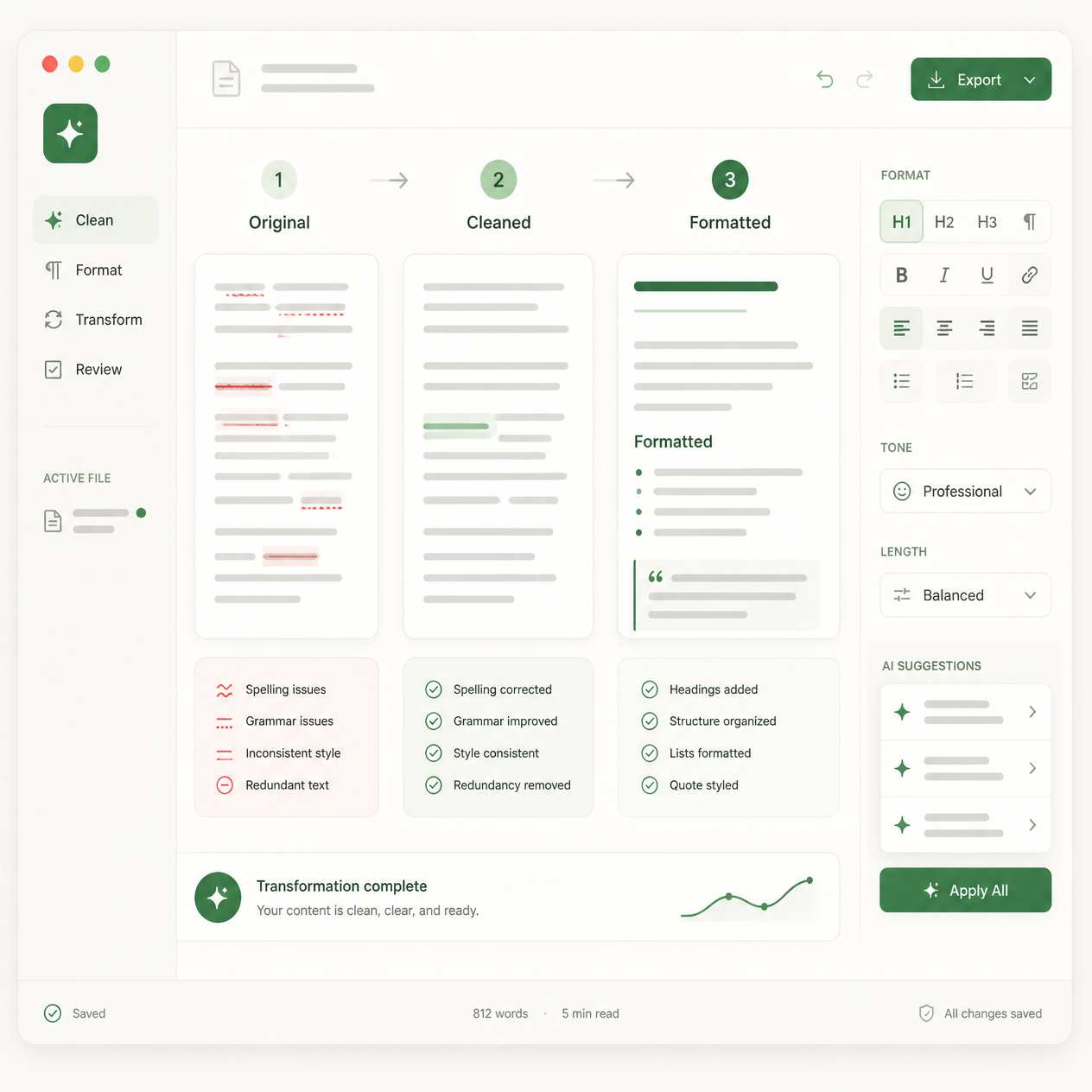
All-in-One Text Tools
Write, clean, transform, compare and format text with a collection of fast, free browser-based tools.
🔒 Your text stays in your browser. We don’t upload or store your text.
Text Repeater
Repeat any line of text as many times as you need, with a separator of your choice.
Estimated output: 0 characters
Word Counter
Get an instant breakdown of words, characters, sentences and reading time as you type.
Case Converter
Transform your text into any letter case instantly.
Remove Duplicate Lines
Clean up lists by removing repeated lines while keeping the first occurrence.
Sort Lines
Put your lines in alphabetical, numeric or length order.
Reverse Text
Flip your text by characters, words or lines.
Remove Extra Spaces
Tidy up messy spacing and line breaks.
Find & Replace
Search your text and swap in new words or phrases.
No replacements made yet.
Text Cleaner
Pick exactly what to strip out and get a clean result.
Text Diff Checker
Compare two versions of a text and see exactly what changed, line by line.
Lorem Ipsum Generator
Generate placeholder text for mockups, layouts and designs.
Fancy Text Generator
Turn plain text into stylized Unicode text for bios and social posts. These are real Unicode characters, so appearance can vary slightly between devices and apps.
Invisible Character Generator
Generate blank Unicode characters for spacing in usernames, documents or design tools. These characters can behave differently across apps and websites, so test before relying on them.
Slug Generator
Turn a title into a clean, SEO-friendly URL slug.
Reading Time Calculator
Estimate how long your text takes to read or read aloud.
Free Online Text Tools
Digiplustal’s All-in-One Text Tools brings together fifteen everyday text utilities in a single, fast dashboard. Instead of hunting for a different website for every small task, you can repeat, count, clean, sort, compare and restyle text from one place, without leaving the page.
What are text tools?
Text tools are small, focused utilities that transform or analyze a piece of text. Some, like the Word Counter or Reading Time Calculator, measure your text and report statistics. Others, like Case Converter, Text Cleaner or Find & Replace, actually rewrite your text to match a format you need. Together they cover the routine editing work that writers, students and developers run into every day.
Why use online text tools?
Doing these tasks by hand is slow and error-prone: manually removing duplicate lines from a list, counting words in a long draft, or converting a heading into a URL slug all take time that a small script can do instantly. A browser-based tool also means no software to install and no file format to worry about — you paste text in, and get a usable result back in the same tab.
Who can use these tools?
The toolkit is built for anyone who works with text: writers and editors checking word counts or reading time, students formatting assignments, developers generating slugs or placeholder copy, marketers cleaning up spreadsheets and lists, and social media users creating stylized bios. No account or technical knowledge is required for any of the fifteen tools.
Is my text private?
Yes. Every tool in this application processes your text locally, inside your own browser. Your text is not uploaded to a server, sent to an external API, or stored anywhere by Digiplustal. Closing or refreshing the page clears everything, since nothing was ever transmitted in the first place.
Frequently Asked Questions
Is this text tool collection free to use?
Yes, all fifteen tools are free to use directly in your browser, with no sign-up required.
Do I need to create an account?
No account, login or registration is needed. You can start using any tool immediately.
Does the app work on mobile phones?
Yes, the layout adapts to phones, tablets and desktops, and every tool works with touch input.
Is there a limit to how much text I can process?
Most tools handle large amounts of text comfortably. The Text Repeater caps output at around 5 million characters to protect your browser from freezing.
Will my text be saved or shared anywhere?
No. Text is processed locally in your browser and is never uploaded, transmitted or stored by Digiplustal.
Why do fancy text and invisible characters look different on some apps?
These tools generate real Unicode characters. Support for specific characters varies by device, font and app, so appearance can differ slightly from platform to platform.
Can I use these tools for coursework or professional writing?
Yes. The Word Counter, Reading Time Calculator, Text Cleaner and Diff Checker are all suited to academic, professional and editorial use.
Does switching tools reload the page?
No. All fifteen tools live in one application, so switching between them is instant and never reloads the page.
Helpful Text Editing Resources
Explore more free utilities in our online text tools collection. You can also visit the Digiplustal homepage to discover other useful tools.
For information about how computers handle text and special characters, read the Unicode guide to text normalization .
You can also learn about character encoding from the Unicode and the Web guide .